
Dedicated Mac minis
Bare-metal Mac minis for CI/CD, iOS builds, and macOS workloads. Choose from the latest Apple Silicon generations back to Intel.M5 & M6 Mac Minis
The newest Apple Silicon for the fastest builds and local AI workloads.
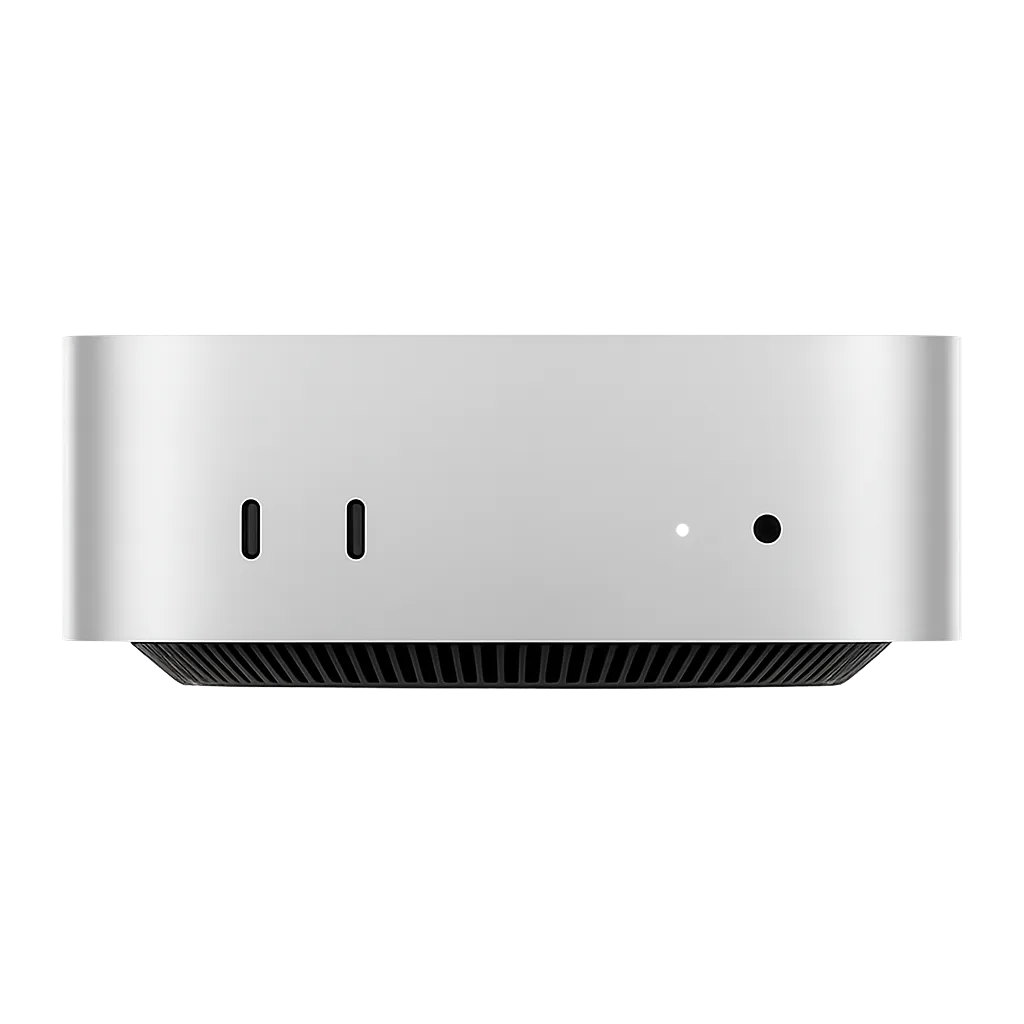
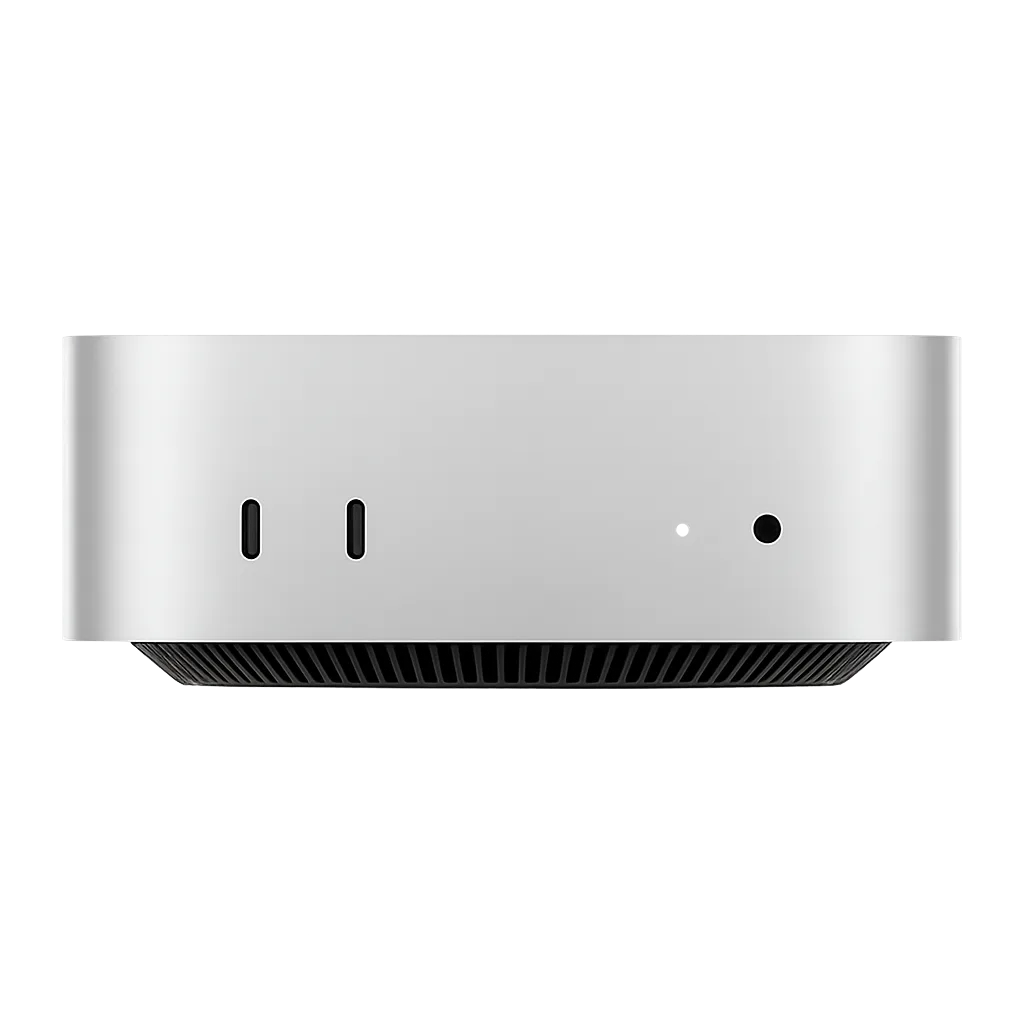
M4 Mac Minis
High-performance Apple Silicon with excellent performance-per-watt.
M1 & M2 Mac Minis
Proven Apple Silicon at a great price point.
Intel Mac Minis
For legacy x86 macOS workloads and older build toolchains.
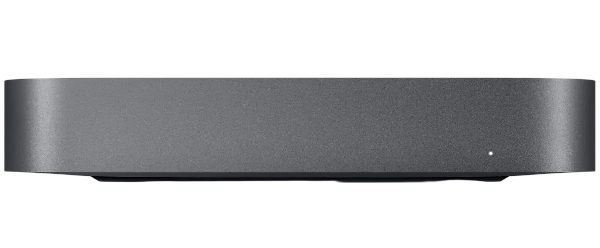
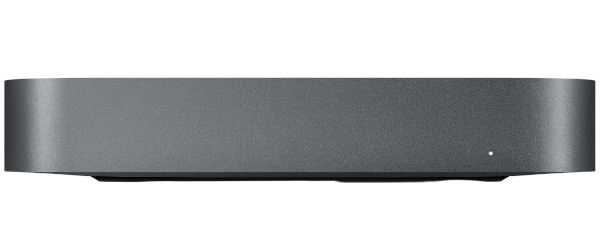
Unbeatable Features
Apple Silicon
Native ARM performance for macOS builds, CI pipelines, and Xcode workloads.
DDoS Protection
Every host is protected by our network-level DDoS mitigation.
High-Speed Uplinks
Fast, low-latency connectivity for large Xcode caches and artifact transfers.
macOS Tahoe
All machines run macOS Tahoe, the latest macOS release, kept current for full compatibility.
Full Remote Access
Screen Sharing, SSH, and remote management available out-of-the-box.
Global Peering
Well-connected transit for reliable delivery to your users worldwide.
About Mac mini hosting
Which generation to pick, how much unified memory you need, and what a hosted mini is good for beyond iOS builds.
The M5 and M6 minis are the newest generation and the fastest option we offer. If build time is what you are optimizing for, you want the most headroom for parallel work on a single machine, or you plan to run AI models locally, start here.
The M4 minis remain exceptionally quick and are often the sweet spot between performance and price. The M1 and M2 minis are the better value when you are running several machines as a pool of CI runners, where total throughput matters more than how fast any one build finishes. Intel minis remain available for the narrower set of workloads that still need x86 macOS.
Apple Silicon is unusually good at local inference because CPU and GPU share one pool of unified memory. There is no separate VRAM budget to fit a model into, so a Mac mini can load models that would otherwise require a discrete GPU with far more memory than its price suggests. The M5 generation goes further by adding a neural accelerator to every GPU core, which substantially speeds up prompt processing on local models.
As rough guidance with 4-bit quantized models: a 16GB mini comfortably runs 7B and 8B class models, 24GB and 32GB configurations handle 13B and 14B models with room for a useful context window, and the higher-memory Pro configurations can push into the 30B range. Larger models than that are where a Mac Studio starts to make more sense.
The tooling is mature. MLX is Apple's own array framework tuned for Apple Silicon, and llama.cpp, Ollama, and LM Studio all run natively. Common uses are a private always-on inference endpoint where data cannot leave your control, embedding generation for retrieval pipelines, batch classification and summarization jobs, and giving developers something to build against locally before committing to a hosted model.
Need more memory? See the Mac StudioUnified memory is shared between the CPU, the GPU, and the Neural Engine, so it does not map cleanly onto PC RAM. The same 32GB does more work here than it would on a machine where the GPU has its own separate pool.
For build work, 16GB handles a single Xcode project comfortably, 24GB to 32GB is the sweet spot once you are running multiple simulators or several concurrent CI jobs, and more than that mainly helps when you are running many parallel runners on one machine. For AI inference, memory is the hard constraint on model size, so buy as much of it as your intended model needs.
A hosted mini works as a self-hosted runner for GitHub Actions, GitLab CI, Jenkins, Buildkite, TeamCity, or whatever else you already use. You install the runner agent over SSH, point it at your project, and it behaves like any other node in your pipeline while giving you a persistent machine you fully control.
Against a per-minute hosted service such as Xcode Cloud, a dedicated machine tends to win once your build volume is steady rather than occasional: the cost is flat regardless of how much you build, caches and derived data persist between runs instead of being rebuilt every time, and you decide exactly which toolchain versions are installed.
A mini is the right machine for most build pipelines. It handles Xcode, simulators, and CI runners without difficulty, and for a single project it is rarely the bottleneck.
Step up to a Studio when you are running heavy parallel builds on one machine, doing sustained video or 3D work, or running AI models too large to fit in a mini's unified memory. The Studio uses Apple's Max and Ultra tier silicon, with far more CPU and GPU cores, greater memory bandwidth, and much higher unified memory ceilings.
Compare Mac Studio hostingXcode runs only on macOS, and Apple's license terms require it to run on Apple hardware. There is no supported way to build, code sign, and notarize an iOS, iPadOS, watchOS, or tvOS app on a Linux or Windows CI runner, which is why almost every mobile team ends up needing a Mac somewhere in the pipeline.
Hosting that Mac rather than keeping one under a desk means your build machine is on a proper network with real uptime, reachable by your whole team and your CI system, and not dependent on someone's office power staying on. A Mac mini is the usual answer for teams that have outgrown a laptop doing double duty as a build server.
Every machine runs macOS Tahoe, the current release, and we keep it current so the latest Xcode and toolchain versions are supported out of the box.
Downgrading to an earlier version of macOS is not something we offer at this time. If your build depends on an Xcode release that requires an older macOS, get in touch before ordering so we can confirm whether we can help.
Check compatibility with usYou get full remote access from the moment the machine is handed over. Screen Sharing and standard VNC clients give you the macOS desktop when you need a GUI, which matters for Xcode, Simulator, and anything involving Apple's signing dialogs.
For everything else there is SSH, which is how most people drive a build machine day to day: install Homebrew, set up your CI runner, trigger builds, and pull artifacts back down. Remote management is available as well, so you are not locked out if the desktop session becomes unresponsive.
Your Mac mini is a real, physical Apple machine reserved entirely for you. It is not a virtual machine, not a container, and not a time-shared slice of somebody else's hardware.
That distinction matters more on Apple Silicon than most places. Build times, thermal behavior, and Simulator performance are all wildly inconsistent on shared Mac infrastructure, and a machine of your own is the only way to get results you can actually plan around.
Each machine sits on its own uplink in the datacenter with the bandwidth allowance listed alongside the configuration above. That is what keeps large Xcode caches, derived data, and build artifacts moving quickly instead of becoming the slowest part of your pipeline.
DDoS protection is included at no extra cost. Filtering is handled upstream by Path Network, our transit provider, so attack traffic is scrubbed before it reaches your machine.