
The 3-2-1 Backup Rule: The Simplest Way to Not Lose Everything
What the 3-2-1 backup rule is, why it works, and how to apply it to a server without overcomplicating things.
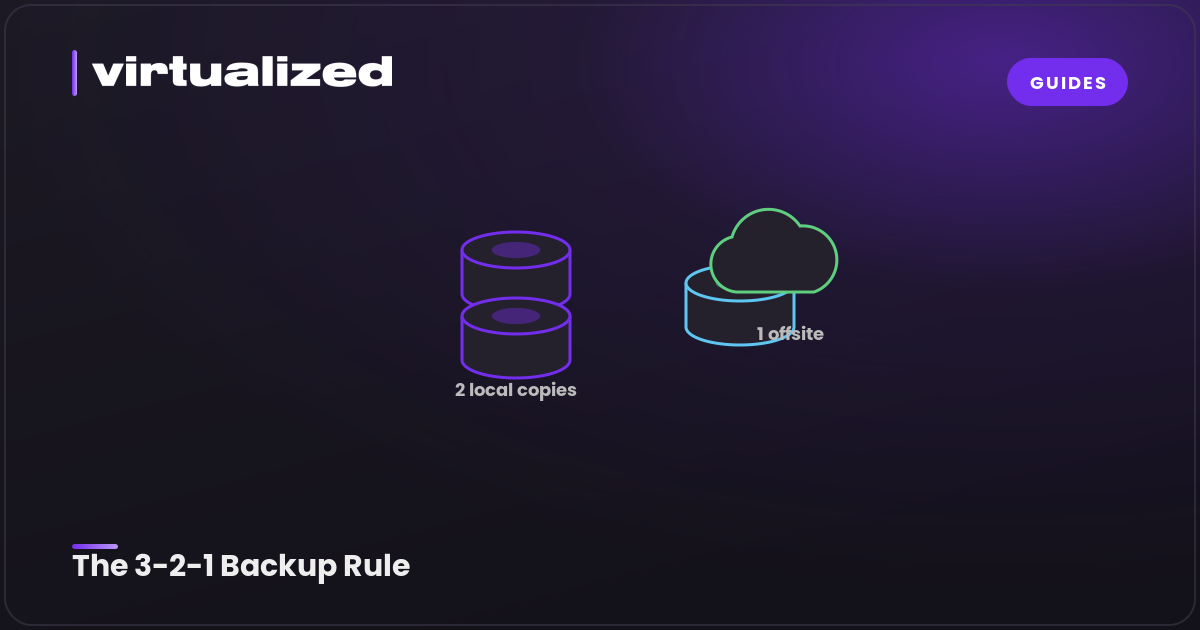
Almost everyone learns the value of backups the hard way, once, and then never again. The good news is there is a simple rule that has guided sensible backups for decades, and it is easy to remember and easy to follow. It is called the 3-2-1 rule.
The rule in one line
Keep 3 copies of your data, on 2 different types of media, with 1 of them stored offsite.
That is the entire thing. Three numbers, and following them puts you ahead of the large majority of people who think they have backups but really do not. Here is what each number means and why it is there.
3 copies
You should have three copies of anything you cannot afford to lose. That is your live data plus two backups.
Why three and not one. Because a single backup is only one failure away from being no backup. If your one copy is corrupted, or fails the moment you need it, you have nothing. Two backups means that for you to lose your data, three separate things have to fail at the same time, which is far less likely. The point of backups is to remove single points of failure, and one backup still leaves one.
2 different types of media
Keep your copies on at least two different kinds of storage. The reason is that storage of the same type tends to fail in the same ways. If both your backups are on the same disk, that disk dying takes out both at once. If both live on the same provider in the same place, an account problem or an outage can take both with it.
Spreading across different media, a local disk and a cloud service for example, means a failure that hits one type does not automatically hit the other. You are protecting against the category of failure, not just a single device.
1 copy offsite
At least one copy should live somewhere physically separate from the original. This is the one people skip, and it is the one that saves you from the disasters that take out everything in a single location. A fire, a theft, a flood, a building losing power for days. If every copy you own is in the same room, one bad event ends all of them. An offsite copy is your insurance against losing the whole location at once.
For a server, offsite usually means a backup stored with a different provider, or in a different datacenter region, from where the server itself lives.
What this looks like for a server
You do not need anything elaborate to apply this. A sensible setup looks like:
- Your live data on the server, which is copy one
- An automated backup to a separate location or service, which is copy two on a second type of media and offsite
- A periodic third copy, perhaps a snapshot kept on the host, or a download you pull down yourself
The two habits that make it real are automation and testing. Automate the backups so they happen without you remembering, because a backup that depends on discipline will eventually be forgotten. And test a restore occasionally, because a backup you have never restored from is only a guess. The day you need it is the wrong time to discover it never worked.
Do not overthink it
It is easy to spiral into a complicated backup system and then never finish setting it up, which leaves you with nothing. The 3-2-1 rule is popular precisely because it is simple enough to actually do. Three copies, two media, one offsite. Get that in place first, automate it, test it once, and you have protected yourself against nearly everything that takes data from ordinary people.
If you run a server with us, snapshots and backups are straightforward to set up, and because our infrastructure spans more than one location, keeping a copy offsite from your main server is easy to arrange. The best backup strategy is the one you actually have running, so start simple and let it do its job quietly in the background.